





Full answer
The solution right away, with the steps.
Used by students from:
A full walkthrough, or it leads you step by step.
The solution right away, with the steps.
It asks the next step. You put the answer together.
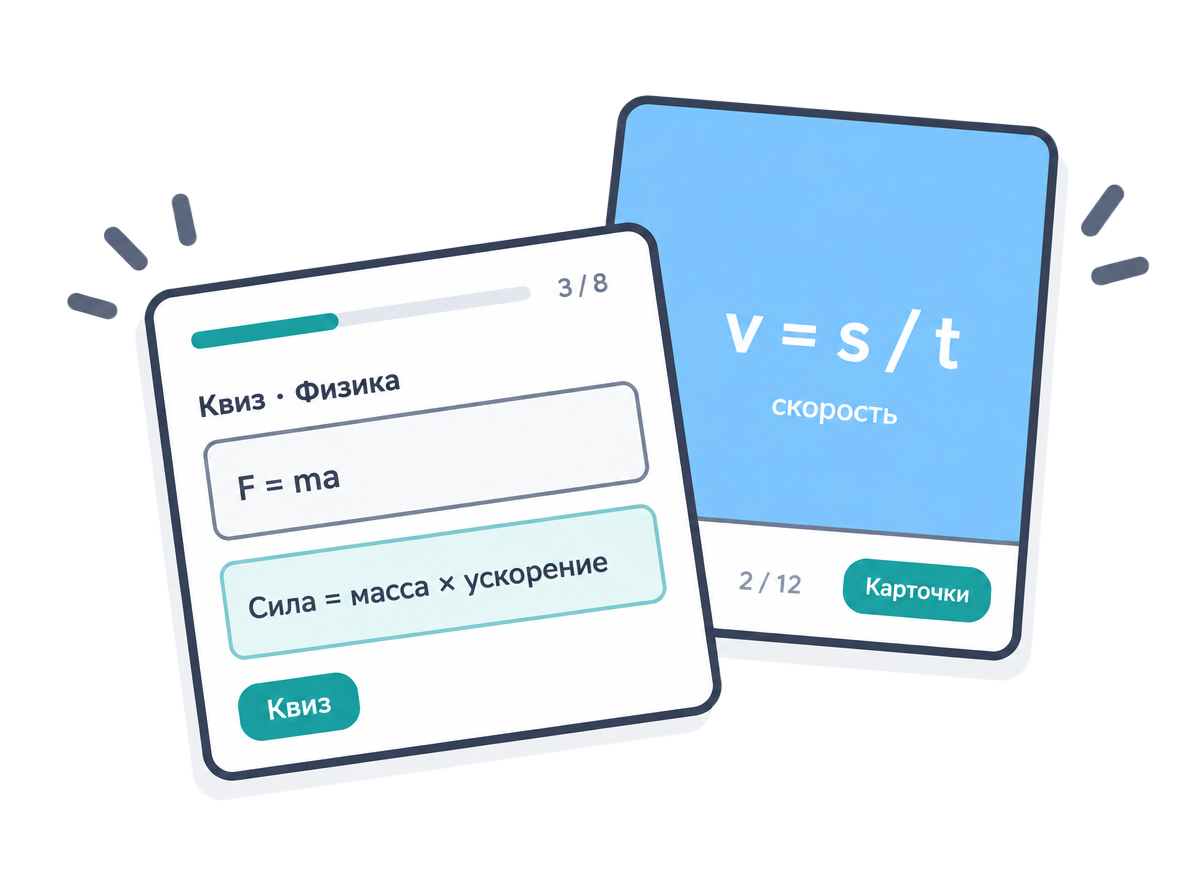
Your own notes and materials turn into quizzes and flashcards.
Margins, headings, citations, and a reference list to typical requirements.
Current data, accurate sources, and facts you can check.
Diagrams, tables, figures, and illustrations for your text.
70–90%
Trial plan
ChooseA month covers, for example:
Popular
Core plan
ChooseA month covers, for example:
2× the Pro limits
ChooseA month covers, for example:
Every answer runs on powerful AI models that we pay for.
Paid plans help keep the free version available for everyone.
iThink is an AI study assistant. It solves problems with a full walkthrough or guides you to the answer step by step, helps you write reports, papers, and term papers, turns your materials into quizzes and flashcards, keeps your files in a library, and shows your class schedule.
Yes, you can start for free. For regular studying there are Lite, Pro, and Max plans, which differ in limits on AI requests, documents, tests, and flashcards.
You choose. In “Full answer” mode, the AI shows the solution right away with every step — handy for checking yourself or catching up quickly.
In “Teach me” mode, the AI guides you with leading questions while you work out the answer yourself, so the topic sticks better than simply copying it.
Reports, papers, lab reports, term papers, projects, essays, graduation theses, and research articles. You set the topic — an AI agent handles description, outline, research, and document assembly, while you steer the result as a co-author. Includes GOST formatting, tables, and diagrams.
The text is written for your topic rather than copied from other papers, so originality is usually 70–90%. Checking systems vary, so before submitting, run your paper through the same system your instructor uses and add your own wording and conclusions.
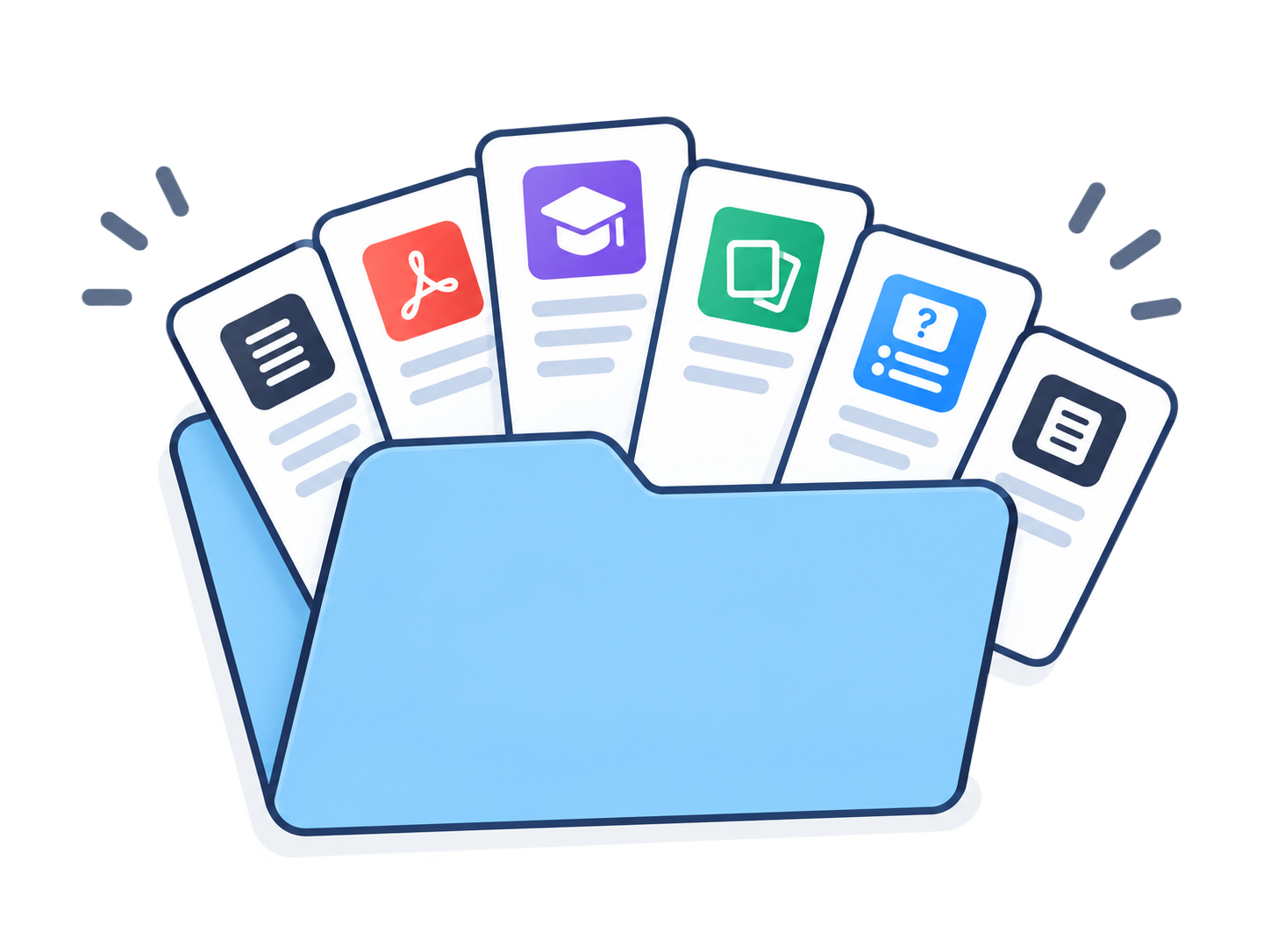
Yes. Upload PDFs, documents, notes, video, and audio — everything is kept in your library. You can ask the AI about your materials, create notes, quizzes, and flashcards from them, and share files with a link.
ChatGPT is a general-purpose chat. iThink is built for studying: a “Teach me” mode with leading questions, written assignments formatted to academic standards, practice from your own materials, a library, and a schedule — all in one place.
iThink shows your group's classes, rooms, and instructors for the week ahead. The schedule syncs with your university, so changes and cancellations show up right away.
The AI helps you understand things quickly, but it can make mistakes. Before submitting work, check facts, calculations, and sources, and follow your instructor's requirements.